
My AI assistant knows my wife’s name, my kids’ schedules, my blood sugar situation, and what I watched last night. It briefs me every morning with the weather, my calendar, and any loose threads I left open. When I finish a book, it logs it. When I work out, it logs it. When I shut down for the night, it writes a summary of everything we did and parks the open loops for tomorrow.
It also knows not to use em dashes. I hate em dashes.
This didn’t happen by accident. I built it that way. And today I’m packaging the whole thing so you can use it too.
The Problem With AI Assistants
Every AI tool you’ve used has the same flaw: it forgets you the moment the conversation ends.
You spend five minutes giving it context. It gives you a great answer. You close the window. Next session, you’re a stranger again.
The productivity community’s solution to this has been prompt templates and custom instructions. Paste your context at the top of every conversation. It works, barely. It’s also exhausting and still doesn’t account for anything that changes day to day.
I wanted something different. I wanted an assistant that actually knows me and gets smarter about me over time without me having to repeat myself constantly.
Obsidian as the Brain
I already lived in Obsidian. My notes, my journals, my health log, my media library. All of it was there. The problem was it was static. I could find things, but nothing was connected to action.
The insight was simple: what if I gave Claude a folder in my vault and told it to treat that as its memory?
That’s the whole idea. Claude doesn’t “remember” me but it reads files that do. Every session it boots up and reads:
A file about who I am (family, job, health conditions, preferences, communication style)
A running log of every session we’ve ever had
A list of active projects and where they stand
A set of skill files that tell it exactly how to handle specific tasks
That last part is the key. The skills aren’t prompts. They’re documented workflows that are step-by-step instructions for recurring tasks, stored as plain markdown files in the vault. There’s one for morning briefings. One for logging health data. One for processing my inbox. One for logging movies and TV. One for weekly reviews. One for shutdowns.
When I say “log a movie,” Claude reads the media-log skill, pulls metadata from the web, creates a properly formatted note in my /Movies folder, and moves on. No fumbling, no clarifying questions, no “as an AI language model.” It just does it.
What This Looks Like in Practice
My mornings start the same way. I open Cowork (Claude’s desktop app), type “good morning,” and within about thirty seconds I have:
Current weather and what’s coming later in the day
Everything on my calendar pulled from all my Google calendars in parallel
A quote worth reading
Any open loops from the last session I need to know about
An inbox count
Then it asks if I watched anything last night that needs logging. If I say yes, it handles the whole thing (title, cast, gene, cover image, rating, my notes) and files it in the right place.
Why This Works When Other Setups Don’t
I’ve tried the custom instructions approach. I’ve tried pasting context blocks. I’ve tried dedicated AI apps that promise memory features.
The difference here is that the memory lives in a place I already control, in a format I already use, and it’s updated automatically as part of the workflow itself or I can go into the .md file and edit it myself.
I don’t have to use tokens if I want to make a change.
When I log something, the log gets updated. When a project changes status, projects.md gets updated. When I shut down, a session summary gets written. The system maintains itself because maintaining it is built into every skill.
It also means I can read my own logs. I can see what Cog (that’s what I call my robot) did two weeks ago. I can search my vault for any decision I made or any task that came up. It’s not locked in some proprietary memory system I can’t inspect or export.
The Magpie Vault
I’ve been running this system for a while now. It’s become the thing I use more than anything else on my computer.
So I packaged it all up.
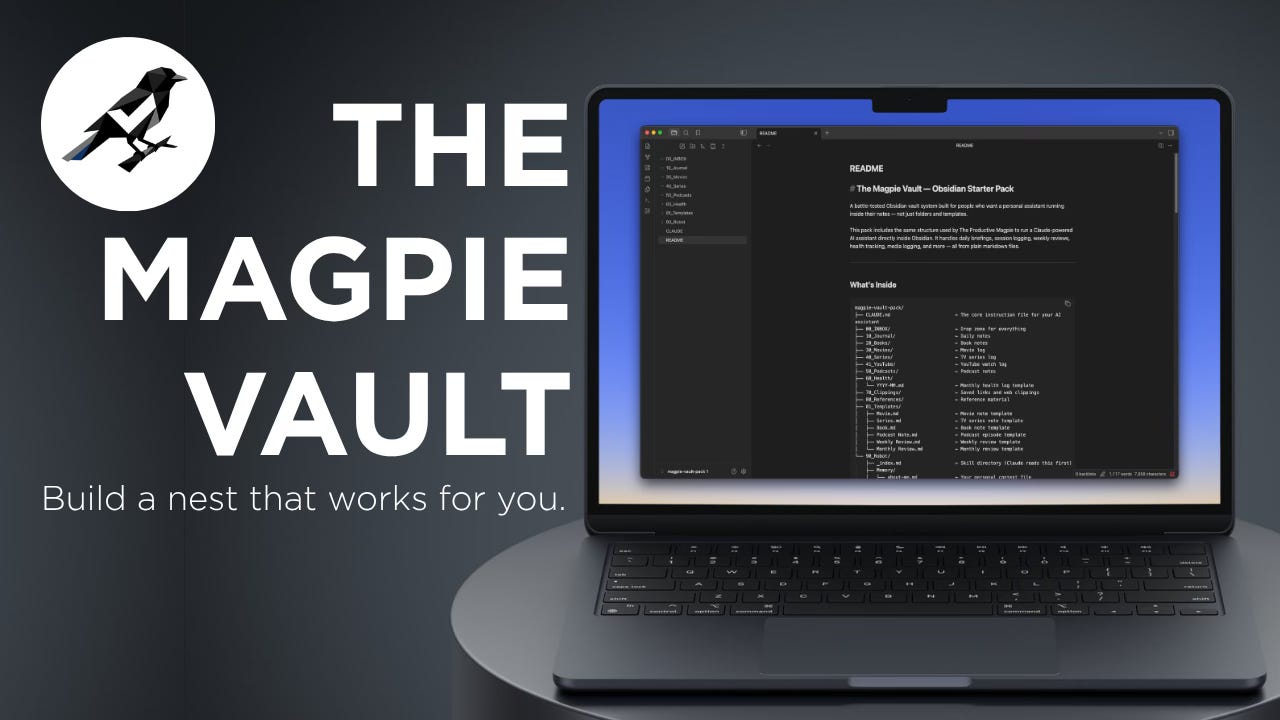
The Magpie Vault is an Obsidian starter pack built around this exact setup. It includes:
The full Robot Assistant skeleton CLAUDE.md, all the core skill files (morning, journal, health, media log, weekly review, inbox, shutdown, and more), and the memory file structure
A health tracker template pre-built for daily logging
A media log template for movies and TV
Weekly and monthly review templates
A full README walking you through setup step by step
You bring your own Claude account. Everything else is in the vault.
It’s $19. One time. You own it.
If you’ve been wanting to use AI more intentionally and not just for one-off questions but as an actual part of how you work, this is the place to start. The skeleton is already built. You just have to fill in the details about yourself and let it run.
That’s the Magpie Method. Steal what works, leave the rest. This one works.
Questions? Hit reply. I read everything.