
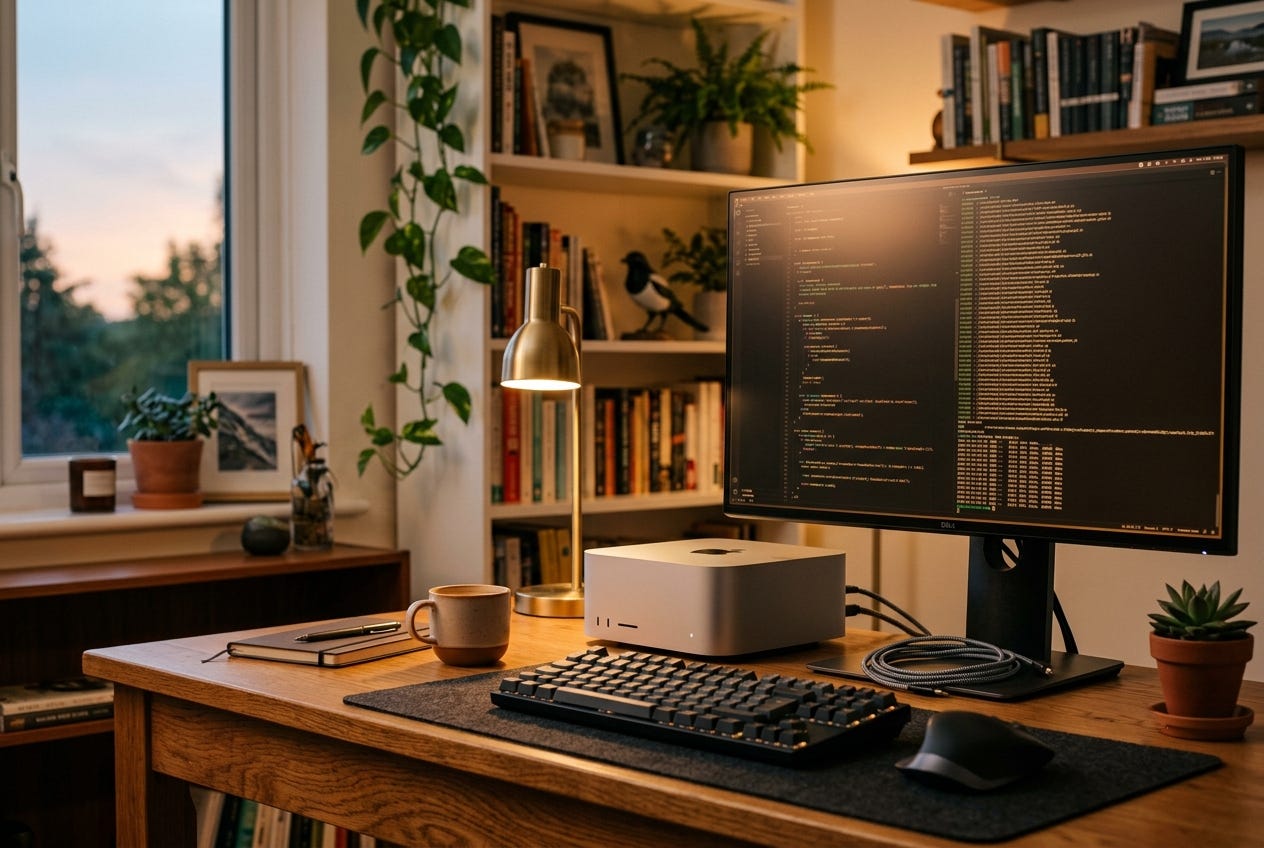
Six months ago I pulled a 32-billion-parameter AI model onto my Mac Studio and ran it locally for the first time. No API. No subscription. No data leaving my machine (and no little billing meter ticking in the corner). It worked. I now have qwen2.5:32b installed locally. It takes 19GB before runtime overhead, which is not nothing, but it has been worth keeping around.
I’ve been using local models alongside Claude ever since. Honestly, Claude is still better at most tasks. Local models earn their spot because they are free, private and always available for the jobs that do not need the best model.
So why bother?
Because if you have a Mac with Apple Silicon and at least 16GB of unified memory, you can do this today. Here’s what you actually need to know.
Why Apple Silicon changed this
Before Apple Silicon, running a large language model locally required a dedicated NVIDIA GPU, a Windows or Linux machine, and a fair amount of configuration. It was hobbyist territory.
Apple Silicon changed two things. First, unified memory means the CPU and GPU share the same memory pool, which gives large quantized models room to run. You still need headroom for macOS, the model runner, and context/KV cache. Second, Apple Silicon is fast at the matrix math LLMs need.
The result: you can run serious models on a Mac mini. Not the fastest inference in the world, but usable for real work.
What you can run on what hardware
Conservative ranges based on what I’ve tested, plus the current Ollama model sizes. “Usable” means fast enough that you’re not watching a loading bar between sentences.
8GB unified memory (base M1/M2/M3 Mac):
1B-4B models are the sane target (Qwen3 4B is listed at 2.5GB)
7B-8B models can run, but you need modest context and patience
Skip 14B+ unless you enjoy proving a point
16GB unified memory:
7B-8B models run well (Qwen3 8B is listed at 5.2GB)
14B is the upper practical range (Qwen3 14B is listed at 9.3GB)
Sweet spot for a general-purpose local assistant that does not need heavy coding or long-context work
32GB unified memory:
26B-32B models make sense here: Gemma 4 26B is listed at 18GB, Qwen3 30B at 19GB, and Qwen3/Qwen2.5 32B at about 20GB
Qwen 2.5 32B is my installed baseline right now, not the only current recommendation
70B-class models are technically possible, practically frustrating
64GB+ (M2/M3 Max, M2/M3 Ultra):
30B/32B models have real breathing room for longer context and normal multitasking
70B-class models become plausible if you use quantized builds and accept the slower pace
This is where local AI starts to feel like a workstation setup instead of a party trick
192GB (Mac Studio M2 Ultra, my setup):
Most consumer-sized model experiments fit without thinking about RAM first
I currently have
qwen2.5:32binstalled locally at 19GB, with room to test larger Qwen3 and Gemma 4 modelsEven huge models are not magic: Qwen3 235B is listed at 142GB before runtime overhead, so storage, context length and heat still matter
The two tools you need
Ollama is the simplest way to get started. It’s a command-line tool (and optional menu bar app) that downloads, manages and serves local models. One command pulls a model and starts a local API server compatible with most AI tools. Free and open source.
ollama pull qwen2.5:32b
ollama run qwen2.5:32b
That’s it. You now have a 32B model running locally.
Open WebUI is a browser-based chat interface that connects to Ollama. If you want something that feels like ChatGPT but runs entirely on your own machine, this is it. Also free and open source.
For running models on Apple Silicon specifically, MLX is Apple’s own machine learning framework and produces faster inference on Apple Silicon than Ollama for some models. The Ternary Bonsai models I covered in a recent post run via MLX.
What local models are actually good for
Local models are not as capable as frontier models. Qwen 2.5 32B is good. Claude Opus is better. The tradeoff you’re making is quality for cost, speed, and privacy.
Where local models earn their place:
Bulk processing is the obvious use. Summarizing 50 podcast transcripts overnight doesn’t require frontier-model quality. It requires something good enough, running for free, without burning through API credits. My podcast pipeline uses Ollama for exactly this. I run transcripts of my favorite podcasts basically for free. While popular podcast apps like Overcast and Pocket Casts now support transcripts, I like having my own that I can ask questions about or point AI models to. For example, I have it check episodes of Mac Power Users for links to products that are mentioned.
Private data is next. Notes you don’t want leaving your machine like old journal entries, personal health data, really anything where you’d rather not send it to a third-party server even with privacy promises. I have Obsidian journal entries and health notes that I do not want to send to Claude or OpenAI. A local model can answer a questions like when I went to the doctor and point me back to the exact file where I wrote about it.
Fast iteration matters when you’re testing prompts, building automation workflows or changing the same thing six times in a row. A local model with no network round trip and no per-call bill is often better than a remote API, even if the quality is lower.
Offline work is boring until it matters. Planes, coffee shops with bad wifi, or just not wanting to depend on an internet connection. While this might not be too relevant for my Mac Studio, if you have a high end MacBook, a portable local AI can be really helpful.
The honest tradeoffs
The quality ceiling is real. Local models top out lower than frontier models. For writing, reasoning and complex instructions, Claude or GPT-4 class models still win. Don’t try to replace your best AI tool with a local one. Use it for the jobs that don’t require the best.
Setup takes a little time. Not complicated, but not instant. Getting Ollama running takes twenty minutes. Getting Open WebUI set up takes another twenty. Getting the right model downloaded for your hardware takes however long your internet connection needs.
And fan noise and heat show up, which is useful if you happen to need a hand warmer. Running a large model at full utilization gets warm and loud. On a Mac mini this is tolerable. On a MacBook Pro it’s noticeable.
Where to start
Local model advice ages fast. Check the latest builds to see what is compatible with your machine.
Install Ollama (download the Mac app or the CLI)
Run ollama pull qwen3:4b if you have 8GB, ollama pull qwen3:14b if you have 16GB, or ollama pull qwen3:30b if you have 32GB+
Run ollama run [model-name] to chat with it in the terminal
Install Open WebUI for a browser interface
The model that surprised me most: Qwen 2.5 32B. It handles structured tasks, follows complex instructions, and runs fast enough on my Mac Studio that I forget it’s local. That’s the one I use as my default local model for everything that doesn’t need Claude.
The open-source models I reference in my piece Four Open Models Just Made Frontier AI Free all run locally via Ollama or MLX. That post has the specific commands for each one if you want to run them.